
EMAIL MARKETING CAMPAIGNS FOR GUEST WIFI
Send consent-based follow-up messages through Engage
START FREE TRIAL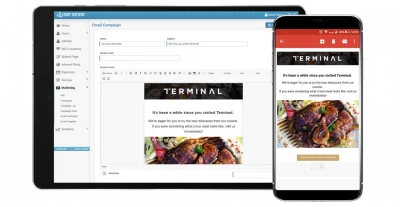

What are Email Marketing Campaigns?
Email Marketing Campaigns help businesses send follow-up messages to guests who provided contact permission through the WiFi login flow.
Antamedia WiFi Hotspot can collect consent-based contact data through splash pages, surveys and guest access forms, while Antamedia Engage helps organize contacts, segments, templates and campaign history.
Email Marketing
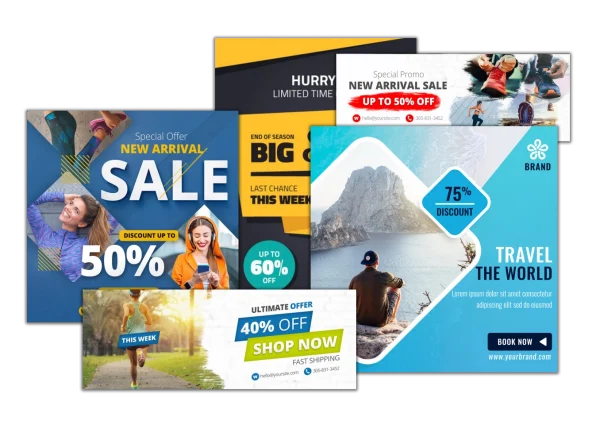
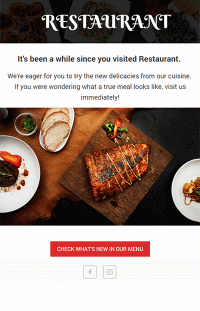
Email Marketing Campaigns help hotels, restaurants, cafés, retail stores, shopping malls, venues and service providers continue communication after a guest connects to WiFi.
Campaigns can be used for welcome messages, service updates, offers, event invitations, feedback requests, coupons, loyalty messages or post-visit follow-ups.
When guest contact permission is collected through the WiFi login process, Antamedia Engage can help organize contacts, create segments, schedule campaigns and track communication history from one place.
Email Campaigns and Follow-Up
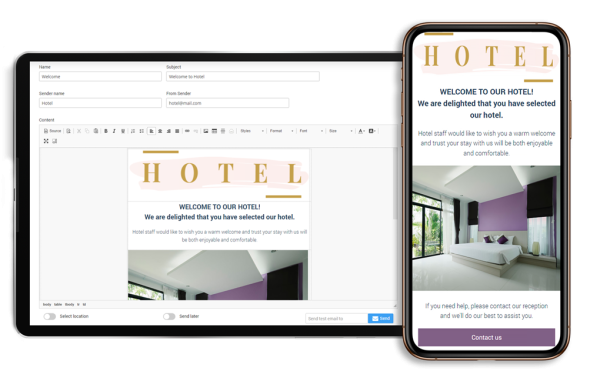
Integrated Email Editor
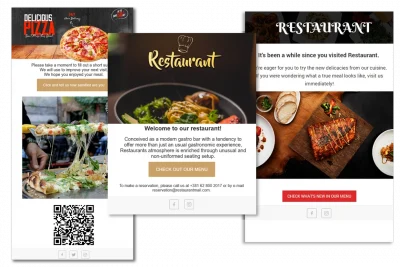
Use the integrated email editor to create branded email templates with text, images, links, buttons, surveys and selected campaign content.
You can customize default templates, prepare new messages, choose recipients, schedule delivery or send a campaign when it is ready.
Email templates can be used for welcome messages, service updates, feedback requests, offers, coupons, event invitations and post-visit follow-ups.
Connect Email Campaigns with Engage
Antamedia Engage helps organize contacts, consent, guest activity and campaign history collected through WiFi login and related guest interactions.
Businesses can create segments, send follow-up campaigns, track communication history and manage customer relationships after the WiFi session.
This turns guest WiFi contact collection into a structured follow-up workflow instead of a one-time email list.
Redirect Email Campaigns to Digital Guide
Email campaigns can link guests to Antamedia Digital Guide, where they can access hotel information, menus, offers, bookings, room requests, web shop pages, local services or venue information.
This is useful when businesses want email follow-ups to lead guests toward practical digital services, not only promotional landing pages.
Email Campaign Use Cases
Hotels can send welcome messages, Digital Guide links, spa offers, restaurant promotions, feedback requests and post-stay follow-ups.
Restaurants and cafés can send coupons, menu updates, event invitations, loyalty messages and feedback requests.
Retail stores and shopping malls can send product offers, seasonal promotions, event announcements and repeat-visit campaigns.
Venues and public locations can send service updates, visitor information, surveys and event-related communication.
Email Marketing Campaigns FAQ
WiFi Email Marketing Campaigns are follow-up messages sent to guests who provided email contact permission through a WiFi login flow, survey or guest access form.
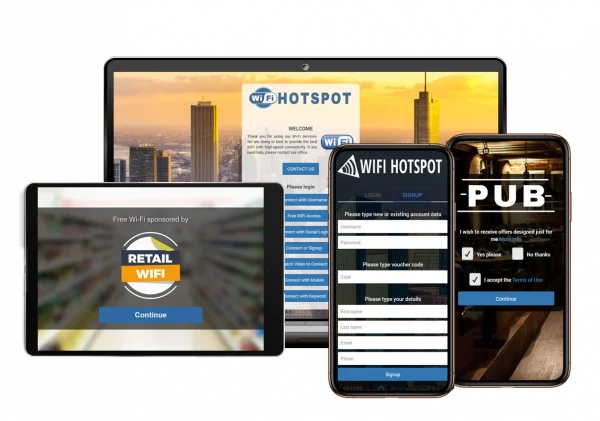
WiFi Hotspot can collect consent-based contact data through splash pages and guest login forms. This data can then be used for configured follow-up campaigns through Antamedia Engage.
Yes. Businesses can send welcome emails after successful WiFi login, depending on the configured campaign rules and guest consent.
Yes. Email campaigns can be scheduled by time interval, guest activity, inactivity, WiFi location or selected Engage segment.
Yes. The integrated email editor can be used to create and customize templates with text, images, links, buttons and selected campaign content.
Yes. Antamedia Engage can organize contacts, consent, segments and campaign history for follow-up communication after the WiFi session.
Yes. Email campaigns can include feedback requests and survey links to help businesses collect customer opinions and service ratings.
Some of our customers

