
WIFI ROAMING ACROSS MULTIPLE ACCESS POINTS
Help users stay connected while moving through WiFi coverage zones
START FREE TRIALWhat are WiFi Locations?
WiFi Locations allow administrators to group routers, access points or WiFi zones under shared settings such as splash pages, branding, login methods, Internet plans, access limits and reports.
Antamedia WiFi Hotspot and Enterprise WiFi System can manage different locations from one platform while keeping each venue, zone or customer site configured according to its own requirements.
WiFi Locations
Businesses often need different WiFi settings for different physical areas, venues, customer sites or service zones.
A hotel may need separate WiFi rules for rooms, lobby, restaurant and conference areas. A shopping mall may need different campaigns for entrances, food courts and tenant zones. An ISP or managed service provider may need to manage many customer locations from one central dashboard.
Antamedia WiFi Locations make it easier to organize these environments with location-specific splash pages, access rules, Internet plans, reports, branding and guest engagement settings.
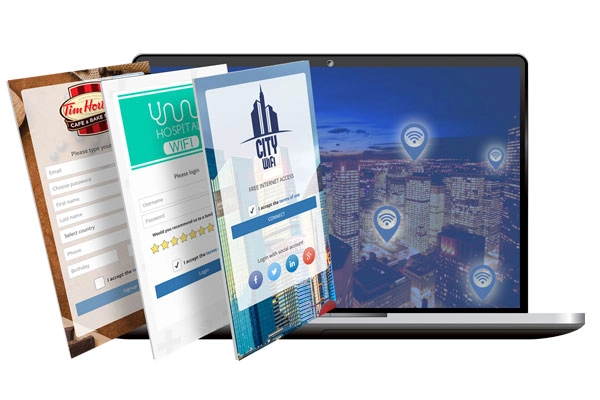
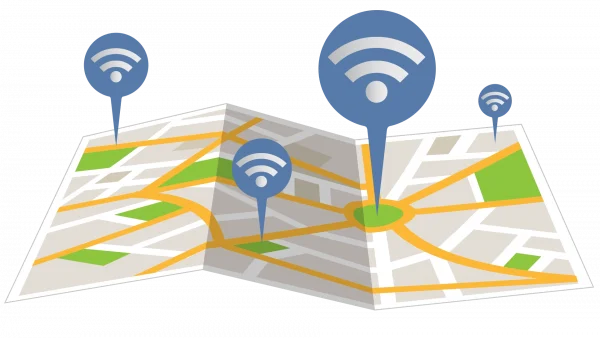
Each WiFi location can have its own purpose and configuration.
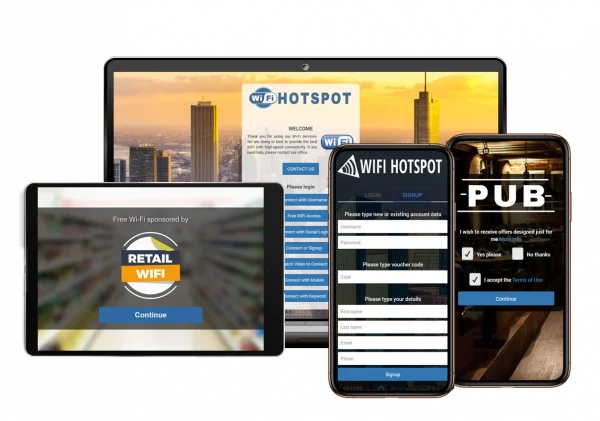
One location can provide free guest WiFi with terms of use, another can offer paid premium Internet plans, while another can show visitor information, surveys, offers or sponsor messages.
Location-based settings help operators match WiFi access, branding and communication to the real environment where guests connect.
One Location, Multiple Access Points
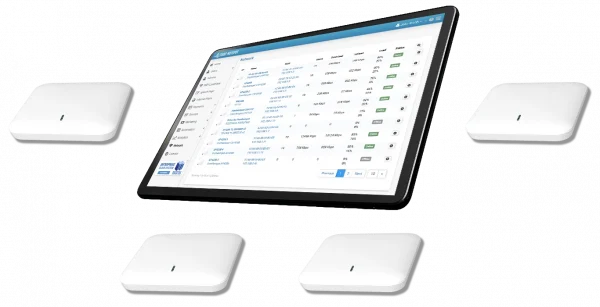
A WiFi location can include one router, one access point or multiple access points that share the same settings and branding.
This is useful when a venue has several APs covering the same area, such as a hotel lobby, restaurant, conference hall, shopping mall zone, airport terminal, campus building or public venue.
Administrators can manage the location as one logical unit instead of configuring every access point separately.
Different Settings by Location
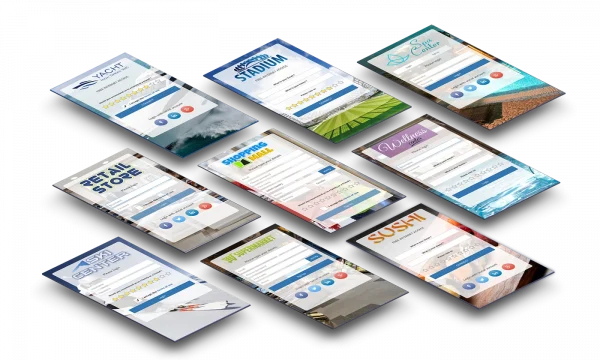
Each WiFi location can use its own splash page, welcome page, login method, terms of use, Internet plans, bandwidth limits, access schedule and redirect behavior.
This gives operators flexibility to support different business areas, customer sites, venues or service models from one platform.
For example, a hotel restaurant may show menus and offers, conference areas may use access codes, rooms may use guest account access, and public areas may use free access with session limits.
Connect WiFi Locations
with Engage
Consent-based contact data, survey answers and campaign activity can be organized by location in Antamedia Engage.
This helps businesses segment communication, follow up with guests, compare venue performance and send approved messages based on where users connected.
Connect WiFi Locations
with Digital Guide
After login, guests can be redirected to Digital Guide pages that match the location where they connected.
Hotels can send restaurant users to menus, room guests to guest services, conference visitors to event information and lobby visitors to general hotel information.
This helps turn each WiFi location into a relevant digital entry point instead of sending every user to the same page.
WiFi Hotspot or Enterprise WiFi for WiFi Locations?
Choose WiFi Hotspot if you want hosted multi-location guest WiFi management with cloud-based access to splash pages, access rules, Internet plans, reports and guest engagement tools.
Choose Enterprise WiFi System if you need private infrastructure, customer hierarchy, reseller workflows, advanced permissions, white label branding or large-scale multi-location control.
WiFi Location Use Cases
Hotels can separate rooms, lobby, restaurant, spa, pool and conference areas with different splash pages and access rules.
Shopping malls can configure entrances, food courts, retail zones, event spaces and tenant areas separately.
ISPs and MSPs can manage customer sites, reseller locations and public WiFi deployments from one dashboard.
Smart city and transport operators can manage zones such as squares, terminals, stations, parks, tourist areas and public buildings.
Restaurants and cafés can use location-specific offers, surveys, menus and guest WiFi policies across multiple branches.
WiFi Locations FAQ
WiFi Locations are logical groups of routers, access points or WiFi zones that share settings such as splash pages, branding, login methods, Internet plans, access limits and reports.
Yes. One WiFi location can include one or multiple access points that share the same settings and branding.
Yes. Each WiFi location can use its own splash page, welcome page, branding, login method, terms of use and redirect behavior.
Yes. Different locations can use different Internet plans, speed limits, session duration, bandwidth quotas, device limits and schedules.
Yes. Location-based reports can show usage, sessions, bandwidth, top locations, revenue, surveys and campaign activity depending on the configured deployment.
Yes. Hotels, shopping malls, restaurants, campuses, transport locations, ISPs, MSPs and public venues can use WiFi Locations to manage different areas or customer sites.
Yes. WiFi Locations can be used with Antamedia WiFi Hotspot and Enterprise WiFi System, depending on deployment and configuration.
Some of our customers

