
SOCIAL WIFI LOGIN AND GUEST ENGAGEMENT
Offer simple guest access and build consent-based communication
START FREE TRIAL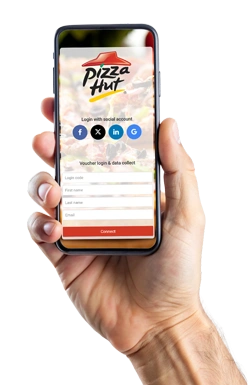

What is Social WiFi?
Social WiFi allows guests to connect to a WiFi network using a social login, email login or another approved access method instead of asking staff for a shared WiFi password.
Antamedia WiFi Hotspot can use Social WiFi to manage guest access, splash pages, consent-based data collection, surveys, analytics and follow-up communication through Antamedia Engage.
Simple Login Options for Guest WiFi
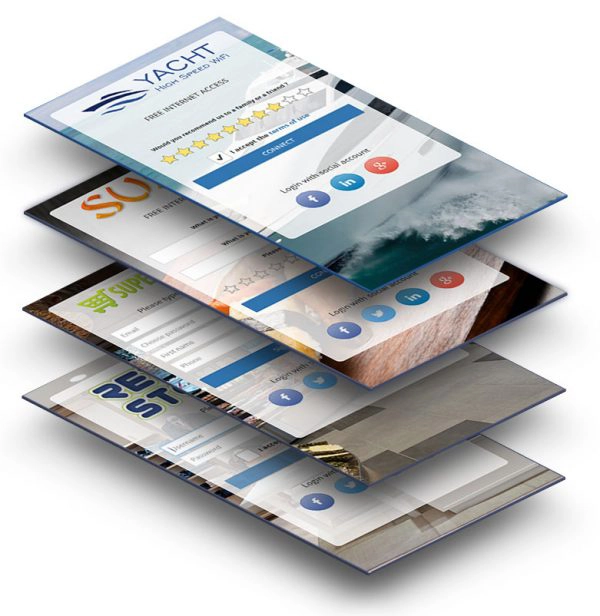
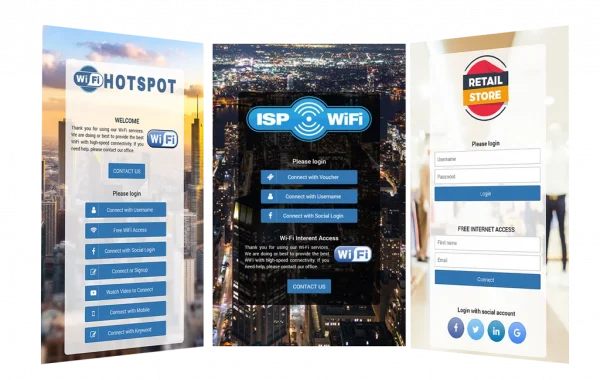
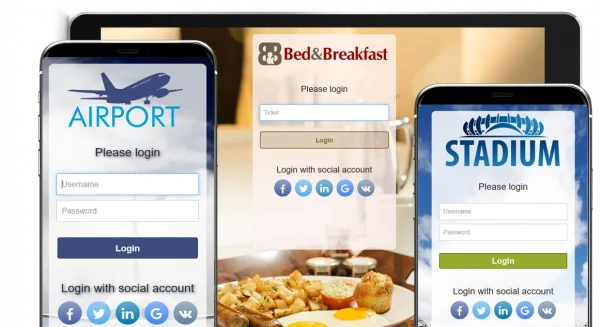
Guests can connect to WiFi using the login method selected by the venue, such as social login, email access, OTP, voucher code or a custom form.
Social login can reduce friction for users who prefer to authenticate with an existing account, while email or OTP access gives businesses alternative login options when social login is not preferred.
The login flow can be combined with terms of use, privacy notices, consent options and redirect settings.

How Social WiFi Works
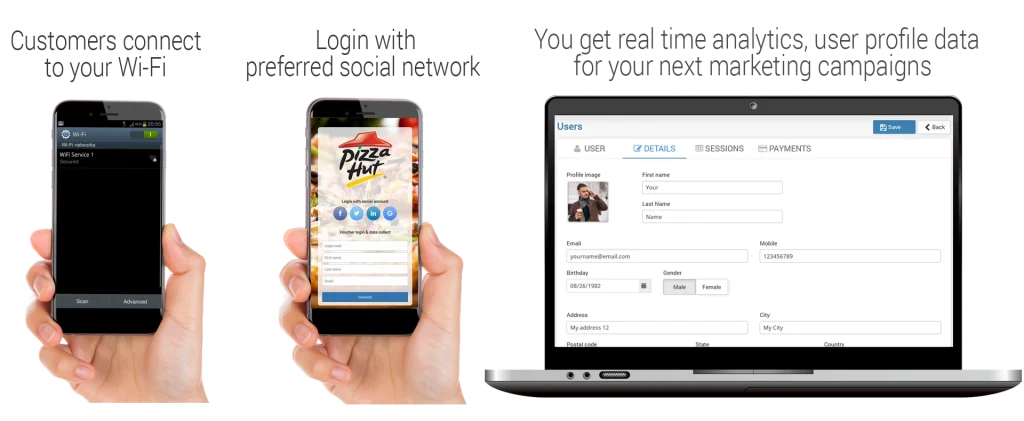
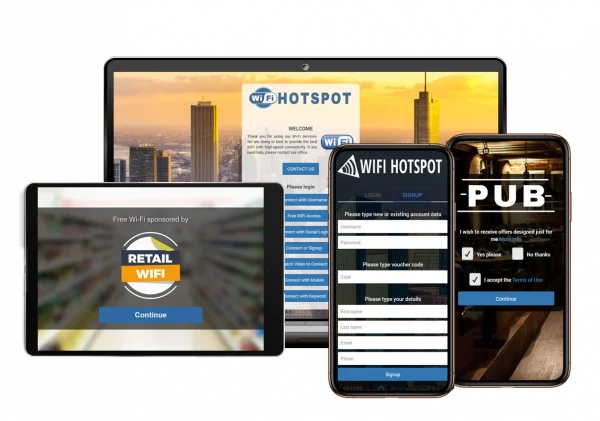
When a guest connects to the WiFi network, WiFi Hotspot redirects the device to a branded captive portal page.
The guest selects an available login method, such as social login, email access, OTP, voucher code or another configured option.
After successful login, the platform applies the configured access rules, including speed limits, session duration, bandwidth quota and device limits.
The guest can then be redirected to a website, offer page, Digital Guide, survey, welcome page or another selected online service.
Login activity, consent and campaign interaction can be reviewed from the dashboard and used for follow-up communication through Engage.
Consent-Based Guest Data and Follow-Up
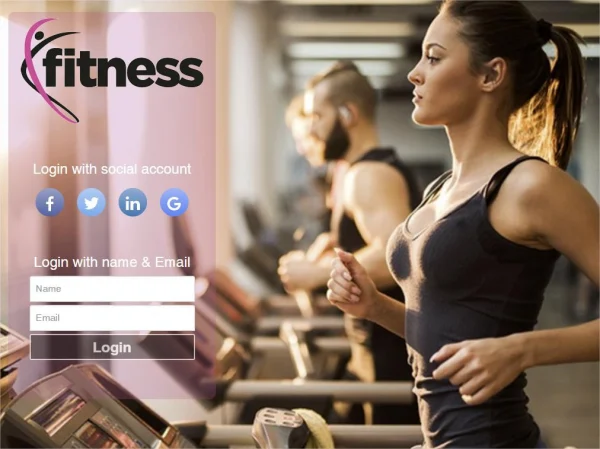
Social WiFi can help businesses collect consent-based guest information during the WiFi login process.
Depending on the configured login flow, guests can provide contact details, marketing permission, survey answers or preferences before receiving access. This data should be collected with clear privacy notices, terms of use and consent options.
When connected with Antamedia Engage, guest data and activity can be organized into contacts, segments and follow-up workflows for campaigns, offers, service updates and customer communication.
Free Social WiFi Login
Businesses can offer free guest WiFi through a simple social login or email login flow.
Social login can reduce friction for users who are already signed in on their mobile devices, while email and OTP options give guests alternative ways to connect.
Access can still be controlled with time limits, speed limits, bandwidth quotas, device limits and expiration rules.
Connect Social WiFi with Engage
Consent-based guest data, login activity, survey answers and campaign interaction collected through Social WiFi can be organized in Antamedia Engage.
Engage helps businesses manage contacts, segment visitors, send follow-up campaigns, create tasks and improve communication after the WiFi session.
Redirect Guests to Digital Guide
After login, guests can be redirected to Antamedia Digital Guide to access hotel information, menus, offers, bookings, room requests, web shop pages, local services or venue information.
This is useful for hotels, restaurants, cafés, retail stores, tourist locations and public venues that want to turn WiFi login into a digital service entry point.
Social WiFi Use Cases
Hotels can use Social WiFi to simplify guest login, collect consent, redirect guests to Digital Guide and follow up through Engage.
Restaurants and cafés can promote menus, offers, coupons, events and feedback forms after login.
Retail stores and shopping malls can use Social WiFi to support guest access, promotions, surveys and repeat-visit campaigns.
Public venues and events can provide easy WiFi access while sharing announcements, sponsor messages, service information or visitor resources.
Social WiFi FAQ
Some of our customers

