
Autologin
Automatically login returning guests
Autologin
Automatically login returning guests


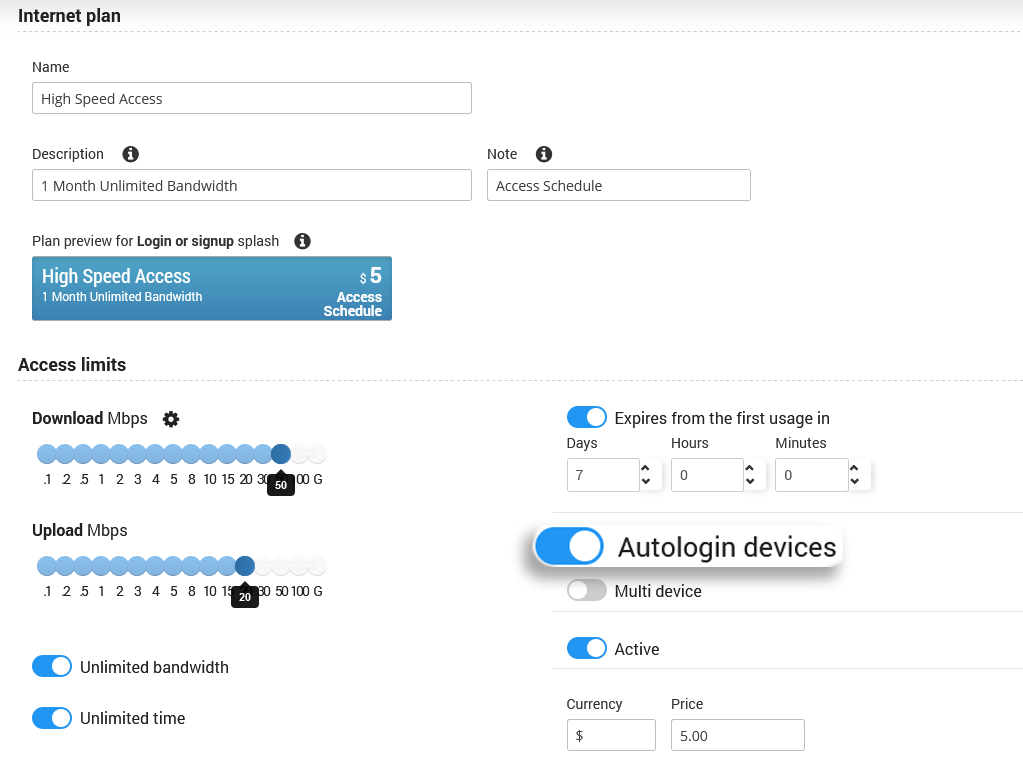
Antamedia Autologin feature allows guests to connect automatically when they return to a WiFi location they’ve already visited.
As soon as the guest device tries to connect, autologin will authenticate it and enable Internet access based on the account limit settings.
Device MAC address will be saved in the system and guest will be automatically logged in next time.
It works on all smartphones, laptops, tablets and any device transmitting MAC address.
This feature is very suitable for any venue, ISP or hospitality that want to provide seamless login.
Antamedia WiFi Features
Offer a home-like experience
Autologin feature automates login process.
After initial login, customer will no longer be prompted for username and password.
This significantly improves ease of use and customer satisfaction.
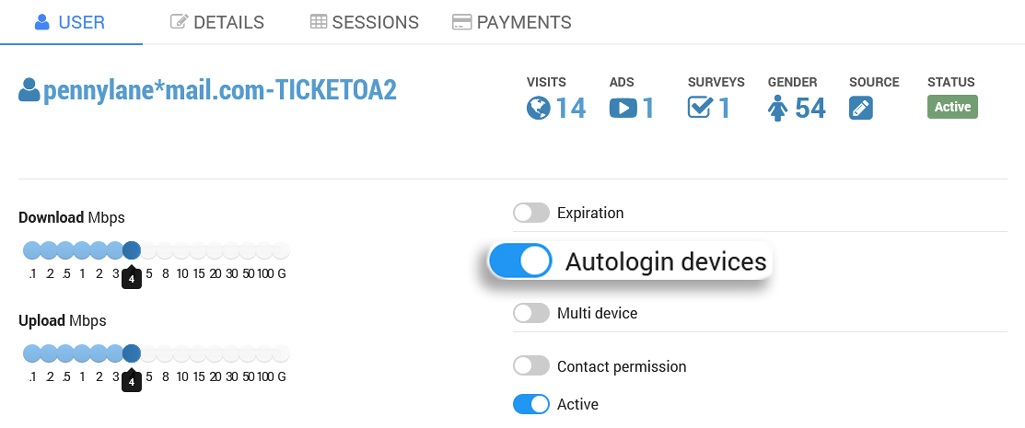
No Passwords Needed !
Remember this question : ” What’s your WiFi password ?”
It’s time to upgrade to Antamedia Enterprise WiFi System and forget passwords.
After connecting to your WiFi, customers can click on a preferred social network and start enjoying WiFi.
No pass, fast and simple. Your staff will get more for their job and customer will appreciate simple access.

Some of our customers

